 4 min read
Is the Nintendo Switch 2 Worth It?
The quick answer: For most Nintendo fans, yes — the Switch 2 is a genuine generational leap with a bigger 120Hz screen, far stronger hardware, and backwards compatibility with your Switch 1 library. But if you mainly play docked on a TV, or you bought a Switch OLED recently, waiting for a price drop or a future OLED revision is the smarter move.
Price and What You Get
The Nintendo Switch 2 launched on June 5, 2025, at $449.99 — a clear step up from the original Switch’s $299. In the box: the console, redesigned Joy-Con 2 controllers, and a dock with 4K output and a built-in cooling fan.
The headline upgrades: a 7.9-inch 1080p LCD (up from 7 inches on the OLED model and 6.2 on the original), 120Hz refresh rate, VRR, and HDR in handheld mode, 256GB of internal storage, and a new Nvidia-based chip with DLSS-style upscaling delivering roughly ten times the graphics performance of the original Switch.
The Screen: Great, But It’s LCD
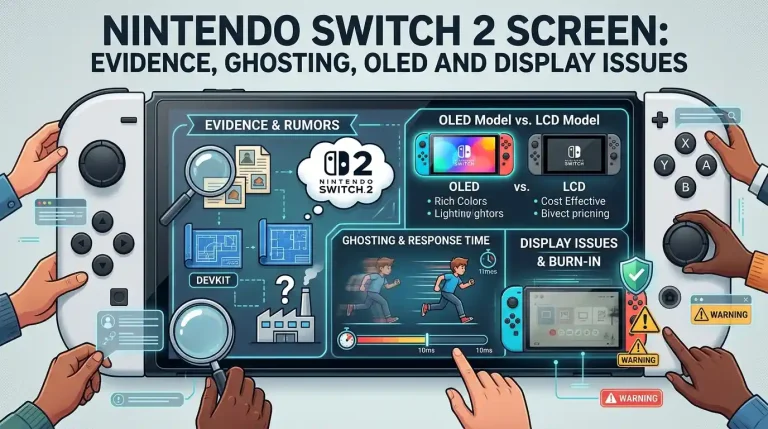
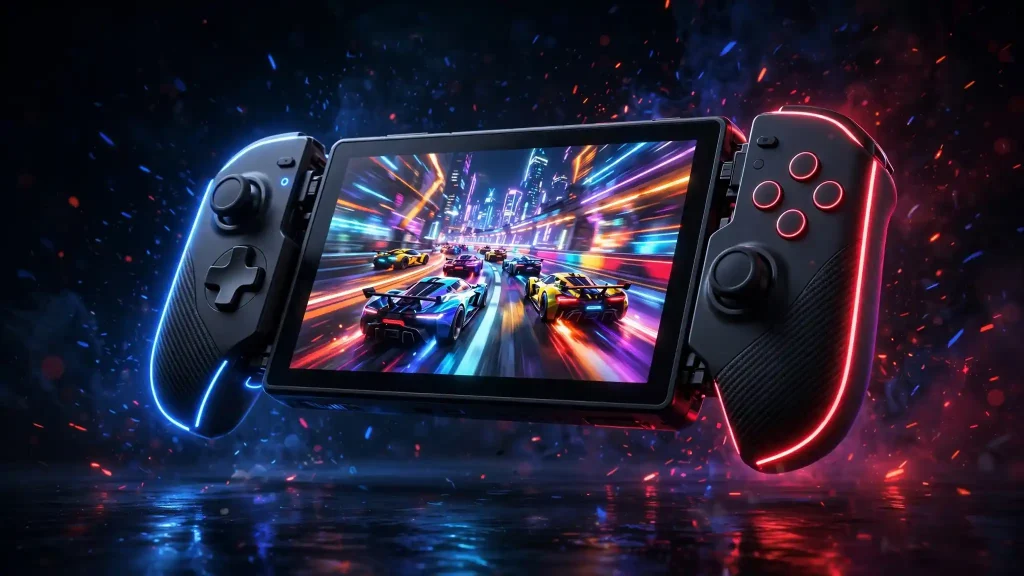
Here’s the controversy in one sentence: the Switch 2’s screen is bigger, sharper, and smoother than any previous Switch — but it’s LCD, not OLED, so blacks and contrast don’t match the Switch OLED model.
In practice, most players find the trade-off worth it. The jump to 1080p, 120Hz, VRR, and HDR makes motion visibly smoother than the OLED model’s 60Hz panel. But if you play handheld in dark rooms and love those inky OLED blacks, the downgrade stings. We break down the whole thing — ghosting, response times, and the OLED question — in our Nintendo Switch 2 screen analysis. (Background on the panel tech itself: our OLED vs IPS explainer.)
Performance and Games
This is where the Switch 2 earns its price. Games load faster, run at higher resolutions, and hold steadier frame rates. Mario Kart World launched alongside the console, with Donkey Kong Bananza following close behind — and the stronger hardware finally lets demanding third-party ports run respectably on a Nintendo handheld.
DLSS-style upscaling is the quiet hero: the console renders at lower internal resolutions and reconstructs a clean, sharp image, which is how a handheld pushes visuals that embarrass the original Switch.
Backwards Compatibility
Your Switch 1 library carries over. The Switch 2 plays the vast majority of original Switch games — physical cartridges and digital purchases tied to your Nintendo Account alike. Save data transfers over, and many older games get free performance boosts simply from the stronger hardware.
Exceptions exist: a small list of incompatible titles, mostly Labo kits and games built around quirks of the original hardware. For most owners, the entire library moves across on day one.
Joy-Con 2, Mouse Mode, and GameChat
The new controllers attach magnetically instead of sliding on rails — a small change that feels noticeably better. Each Joy-Con 2 also doubles as a mouse on flat surfaces, which shooters and strategy games use for precision aiming.
GameChat is Nintendo’s built-in voice chat with screen sharing — no phone app required this time. It works well enough, though the console’s mic picks up room noise more than a dedicated headset would.
The microSD Express Catch
One genuinely annoying detail: the Switch 2 only accepts microSD Express cards for game storage expansion. Your old regular microSD card won’t cut it — Express cards are faster but cost more per GB. If 256GB won’t be enough for you, factor the pricier storage into the real cost of ownership.
Who Should Buy
- Original Switch / Switch Lite owners — the leap in screen size, performance, and loading times is massive.
- Anyone with a big Switch 1 library — backwards compatibility means day-one value from games you already own.
- Handheld-first players — the 7.9-inch 120Hz screen is the best handheld display Nintendo has shipped for motion clarity.
Who Should Wait
- Switch OLED owners who play handheld in the dark — you’ll miss the OLED blacks, and an OLED revision is a matter of when, not if.
- Mostly-docked players — docked, the upgrade is performance-only; your TV was already doing the display work.
- Budget buyers — $450 plus pricier storage stings, and the original Switch keeps getting discounted.
Frequently Asked Questions
Can the Switch 2 play Switch 1 games?
Yes — the vast majority of physical and digital Switch games work on Switch 2, with saves transferring via your Nintendo Account. A small number of titles with unusual hardware dependencies don’t.
Does the Switch 2 have an OLED screen?
No. It uses a 7.9-inch 1080p LCD with 120Hz, VRR, and HDR. It beats the Switch OLED on size, sharpness, and smoothness, but not on black levels and contrast.
Can I use my old microSD card in the Switch 2?
Not for games. The Switch 2 requires microSD Express cards; standard microSD cards aren’t supported for Switch 2 game storage.
Is the Switch 2 worth it if I own a Steam Deck?
Different machines for different libraries. The Deck wins on raw power and PC games; the Switch 2 wins on Nintendo exclusives, portability, and pick-up-and-play simplicity. Plenty of owners happily keep both.